Table of Contents
Introduction
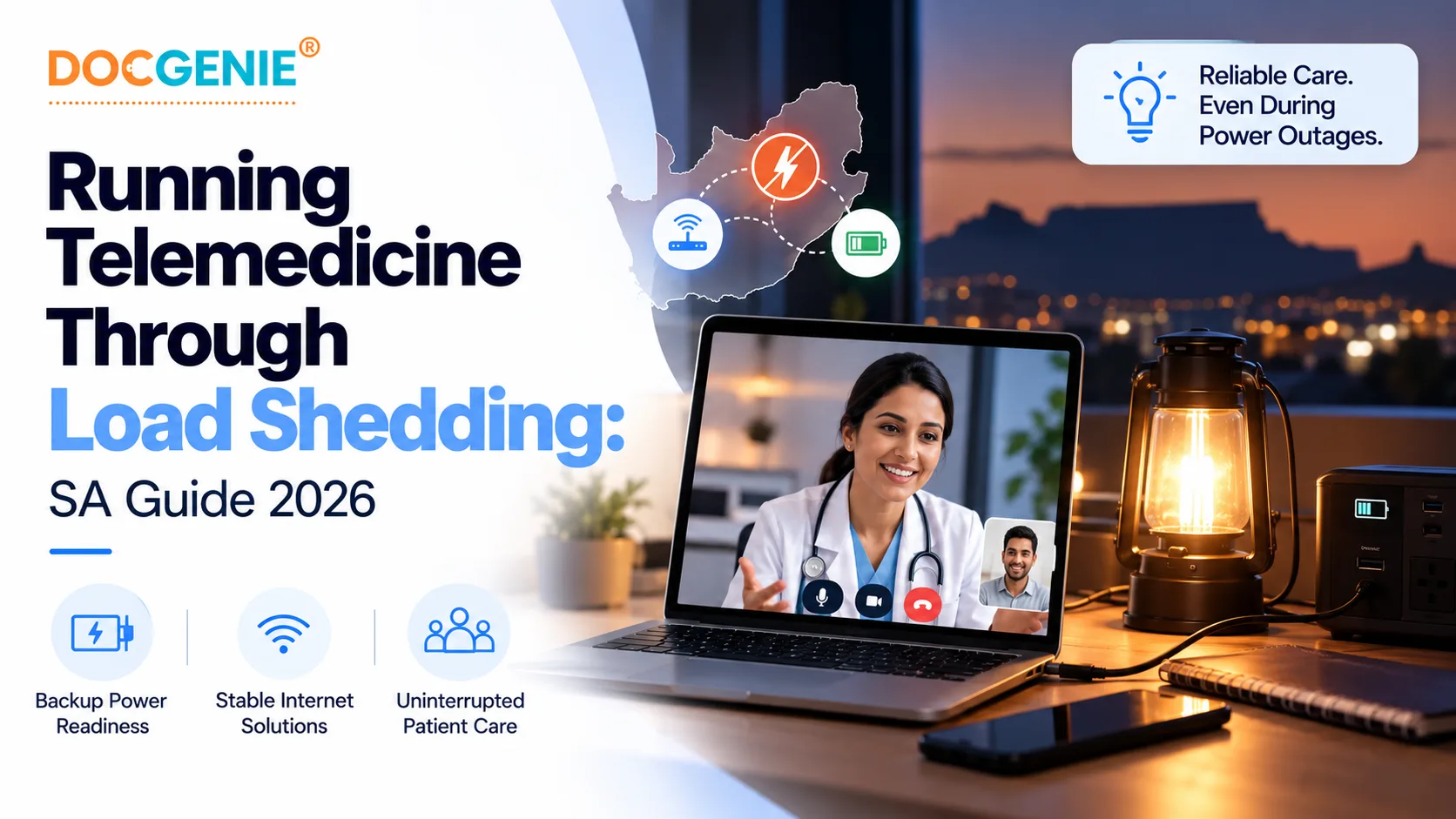
Learn how South African healthcare providers can keep virtual consultations running through load shedding with backup power, connectivity fallbacks, adaptive video, and asynchronous care.
Why Load Shedding Is a Telemedicine Problem
Load shedding remains a daily operational reality for South African providers and patients. A power cut does not just switch off the lights - it takes down the fibre router, interrupts a video call mid-consultation, and can drain the patient's phone at the worst moment. Generic global telehealth tools were never designed for an unreliable grid, which is exactly why so many virtual consultations in South Africa fail halfway through. The fix is a combination of the right hardware, the right connectivity, and a platform built to degrade gracefully.
Keep the Power On: Devices and Router
The single highest-impact step is keeping your consultation device and internet router powered during a slot:
Encourage patients to do the same where they can, and to keep a charged phone for the consultation.
Have a Connectivity Fallback
Even with power, fixed-line internet can go down when an area loses power. Build in redundancy:
- Know your schedule - use a load-shedding schedule app to book higher-risk consultations outside your area's slots where you can.
Choose a Platform Built to Degrade Gracefully
Hardware and connectivity get you most of the way; the platform does the rest. A telemedicine platform built for South African conditions should be configured to handle exactly these scenarios. When evaluating, look for:
For the full vendor checklist, see our white label telemedicine buyer's guide for South Africa.
Use Asynchronous Care as a Safety Net
Not every consultation has to be a live video call. Asynchronous, or 'store-and-forward', workflows let a patient submit symptoms, photos, or documents that the practitioner reviews when connectivity allows - and reply securely. For script renewals, follow-ups, and non-urgent queries, this is often more resilient than a live call and more convenient for both sides. Treat it as a first-class part of your service, not just a backup.
Agree a Fallback Plan With the Patient
A 30-second agreement at the start of each consultation prevents most frustration: if the connection drops, will you reconnect on the same link, switch to a phone call, or continue by secure message? Setting this expectation up front means a power cut becomes a minor interruption rather than a lost consultation - and it reassures the patient that their care will continue. Whichever channel you fall back to, the usual HPCSA consent and record-keeping requirements still apply.
Conclusion
Patients remember which practice's virtual care actually worked when the power went out. Building load-shedding resilience into your telemedicine service - backup power, a connectivity fallback, and a platform that adapts and reconnects - is not just risk management; it is a genuine differentiator in the South African market. DocGenie Global's white label telemedicine platform for South Africa reviews connectivity and continuity requirements during technical discovery, so power outages are planned for as part of your virtual-care configuration.
To keep virtual consultations paid as well as running, see our guide on billing medical aid for virtual consultations.
Disclaimer: This article is general guidance. Actual performance during outages depends on your hardware, connectivity, and platform configuration - confirm specifics during implementation.
Frequently Asked Questions
Can you run telemedicine consultations during load shedding?
Yes, with the right setup. A backup power source for your device and router, a mobile-data fallback, and a platform that handles reduced bandwidth and reconnection let you keep consulting through most load-shedding slots. Asynchronous options cover cases where a live call is not possible.
What do I need to keep my internet on during load shedding?
Keep your router on a UPS or power bank, and have a mobile-data fallback (LTE router or phone hotspot) for when fibre or fixed lines go down with the area. Fibre often stays up longer than copper, but the customer-side router still needs power.
What happens to a video consultation if the connection drops?
On a platform designed for it, the session can attempt to reconnect and resume, and you can fall back to messaging or a call-back. Best practice is to agree a fallback plan with the patient at the start of the consultation.
How can telemedicine work on limited or mobile-data connections?
Look for adaptive video quality that scales down on low bandwidth, a mobile-first or Progressive Web App experience, and asynchronous tools like secure messaging and file uploads so care can continue even when a live video call is not viable.
Related Articles
Is Telemedicine Legal in South Africa? HPCSA Telemedicine Guidelines Explained (2026)
How to Bill Medical Aid for Virtual Consultations in South Africa (2026)